Secure Desktop Client Quickstart
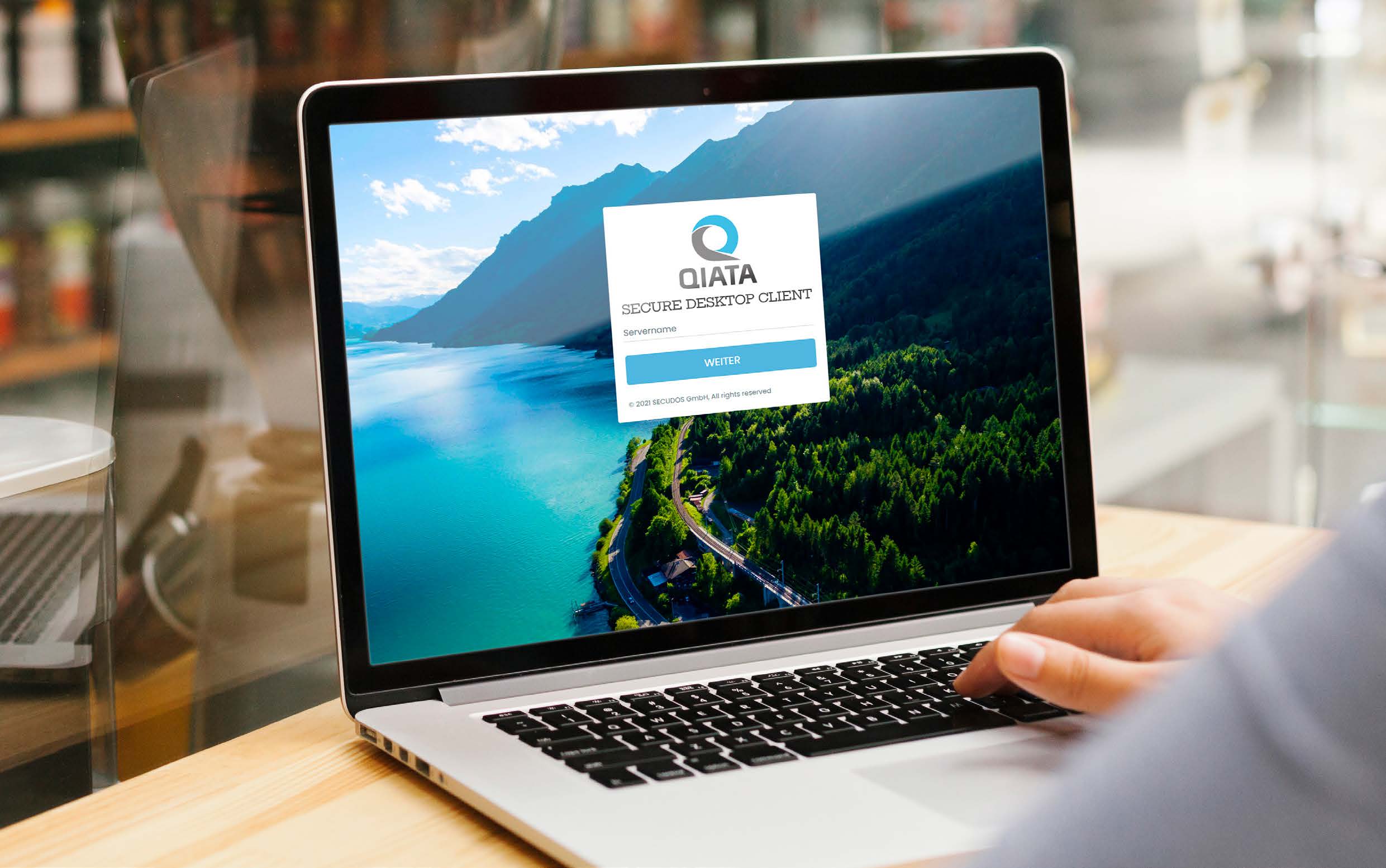
What is the SDC?
Secure Desktop Client is an application that makes it possible to send files and folder structures easily, securely and traceably, even if they are larger than average. External participants can also be invited to send you files securely.
How to use the SDC?
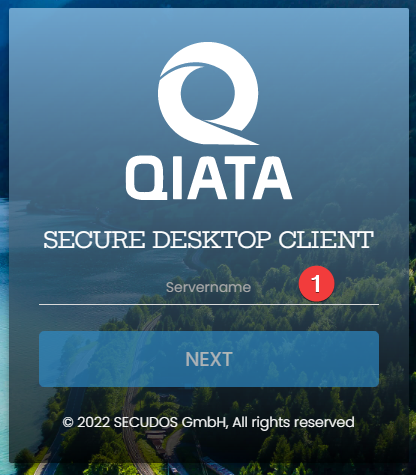
Enter the server name of Qiata.
The server name is the address they enter in the browser when calling. It often looks like this: demo.secudos.com
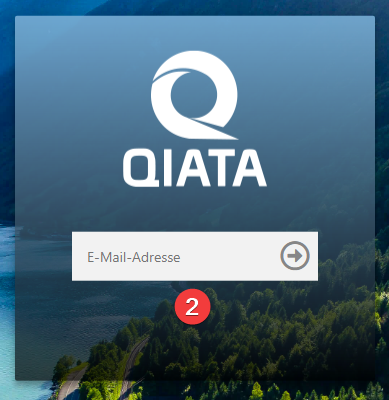
Enter your login data.
Depending on the settings, enter the access data you received by mail or your known LDAP / Windows data.
Sending files and folders
The transfer is used to send files to other people. For this, as with an e-mail, the following information is required in the corresponding fields: To whom is the file being sent (recipient's e-mail address) (1)? What is the subject (2)? What is your message (3)? Which files and/or folder structures should be sent (4)? (the big field on the right side).
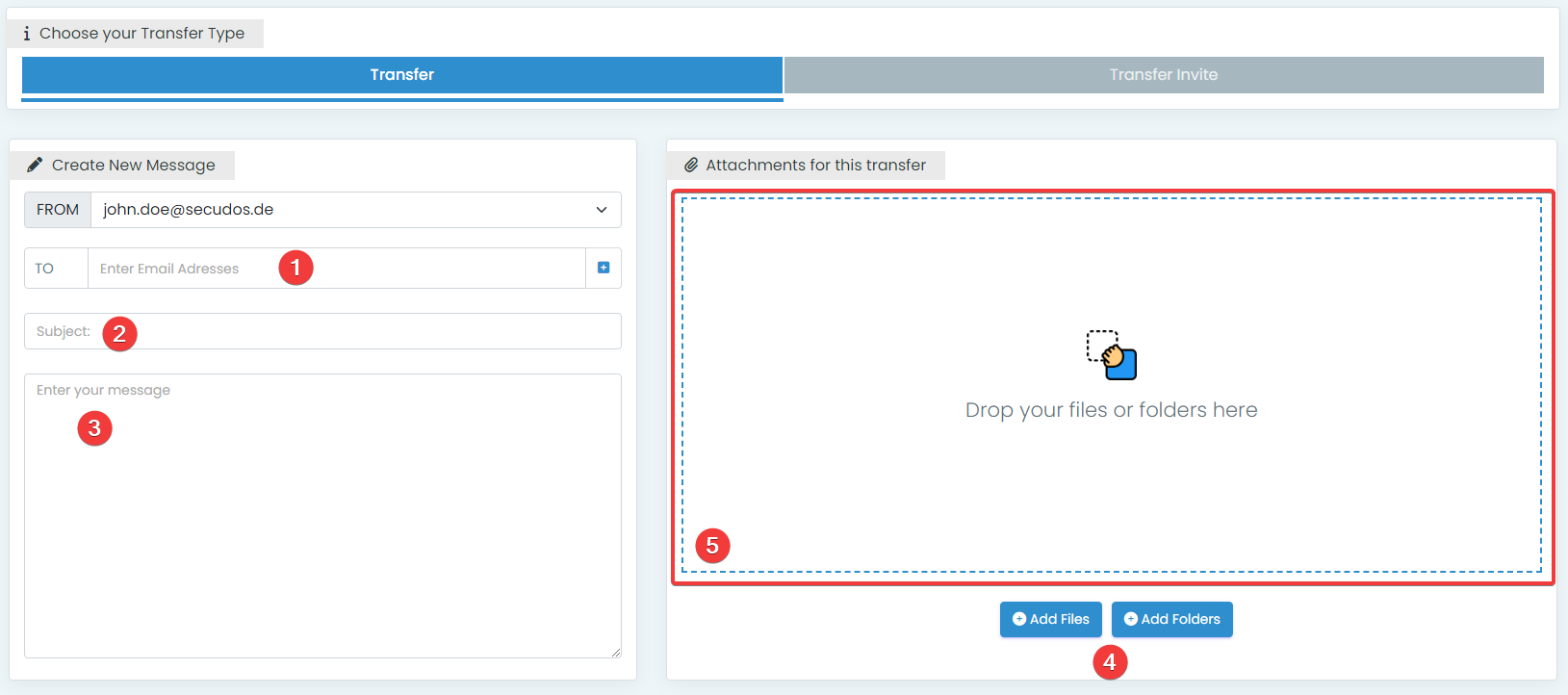
The files and/or folder structures you want to send can be selected via the items "Add files" and "Add folders" (4) or by simply dragging them into the outlined window (5).
Invitation / Transfer Invitation
If you want to receive files from one or more persons, you can invite these persons via the item Transfer Invite (1). In case of an invitation, the invited person will receive 2 e-mails. One e-mail contains login data and the other one a link. If the invited person clicks on the link, he needs the login data from the first e-mail and can then send you files.
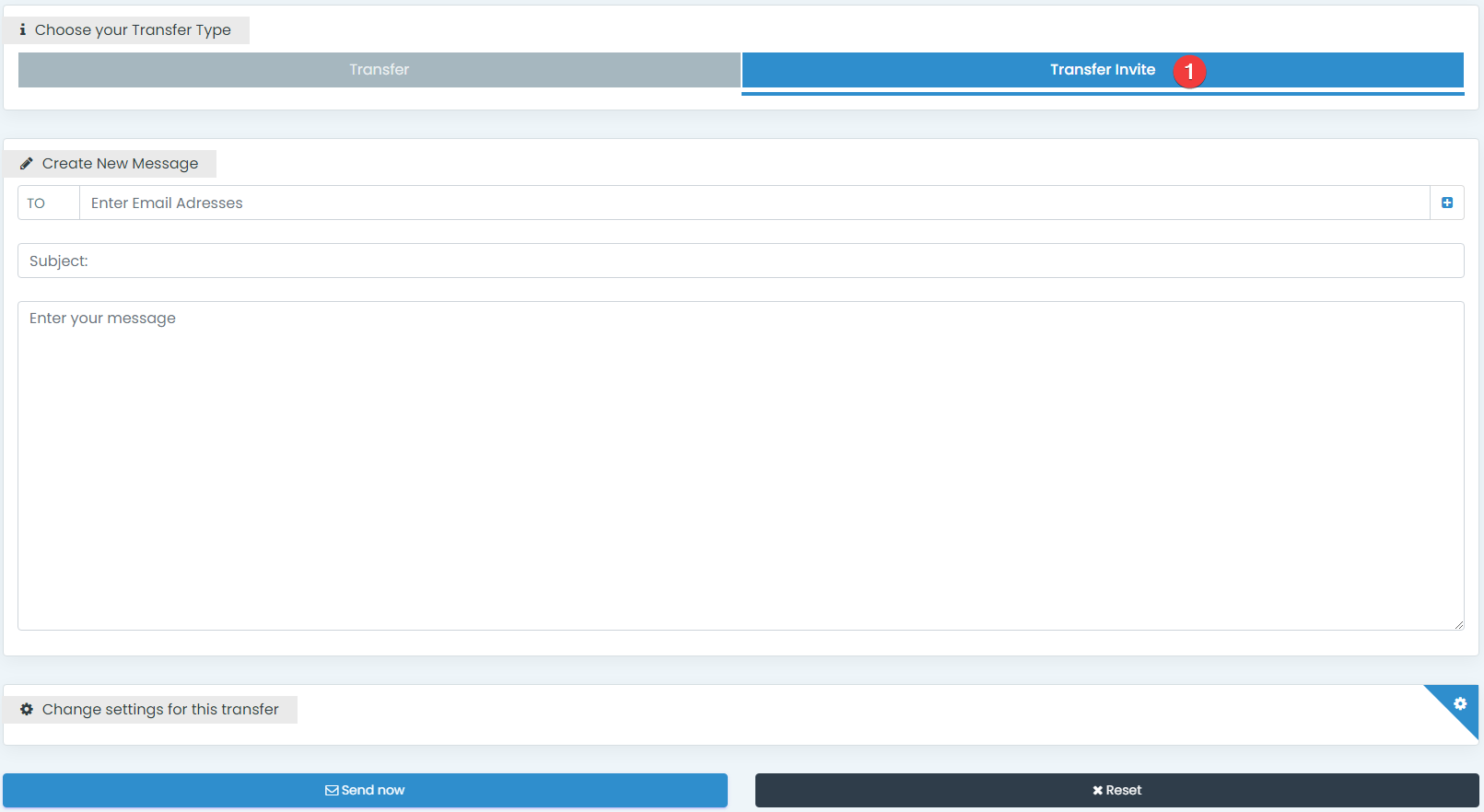
The surface
Inbox
In the Inbox you can view all messages that have been sent to you.

Outbox
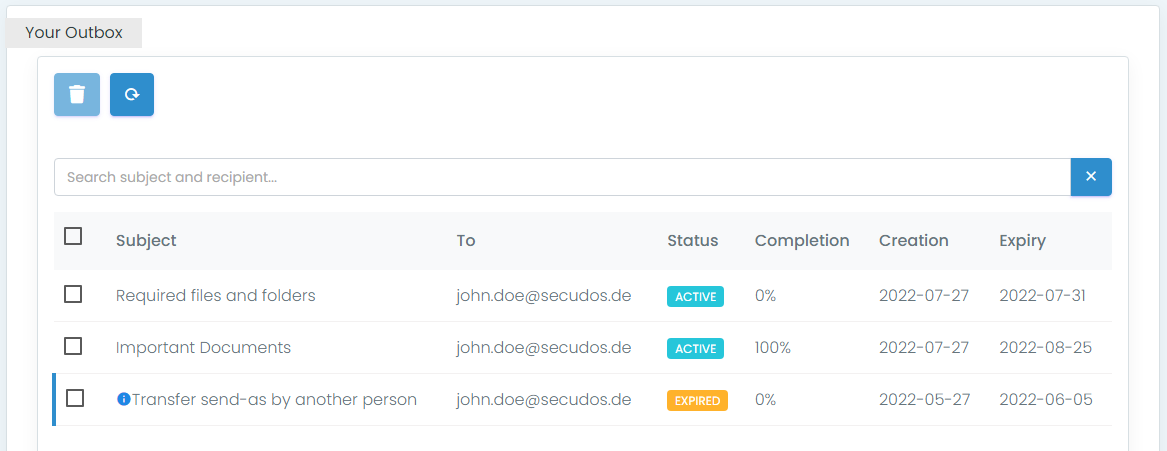
In the Outbox you can view all the messages you have sent. The Progress item (1) shows you whether the recipient(s) have downloaded the files you sent.
Invites
In Invites, you can view all the invitations that you have sent.

Files
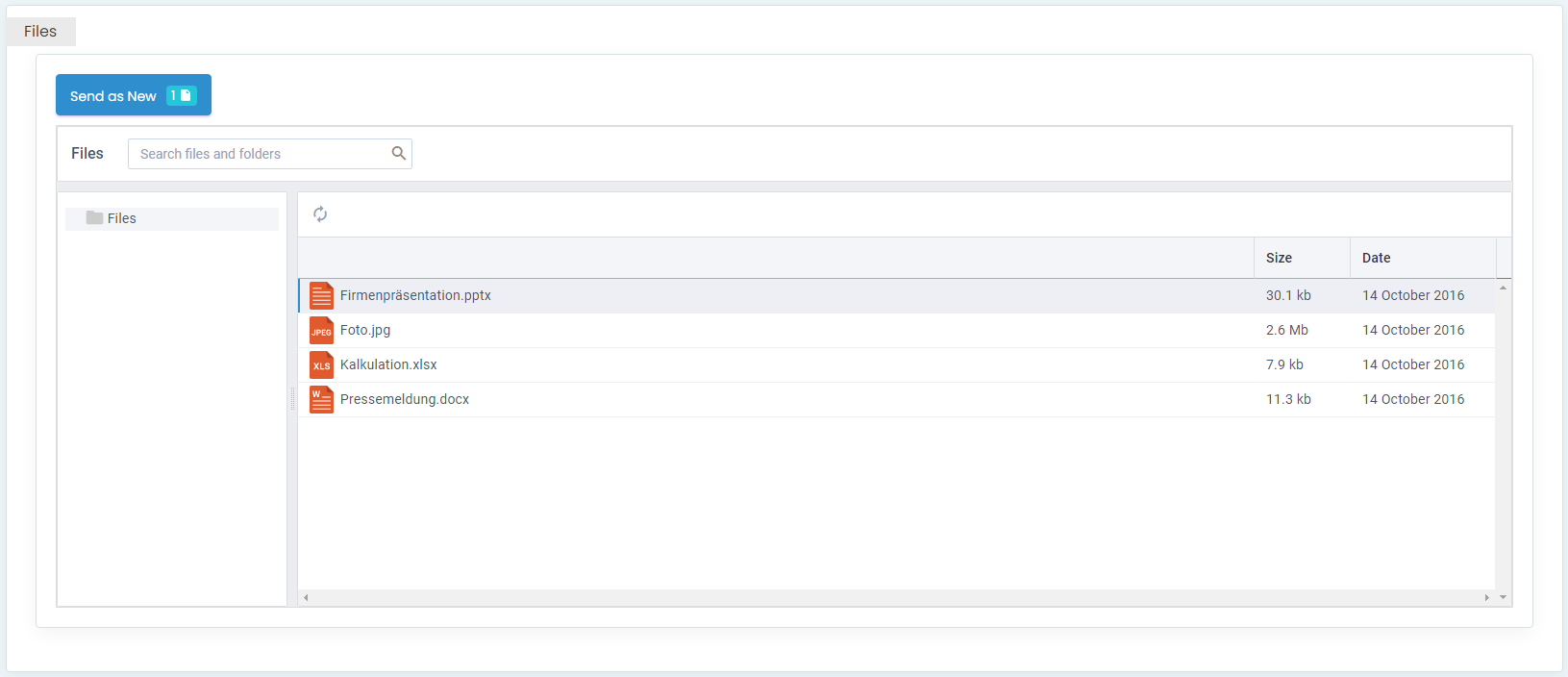
Under Files, files that have already been sent or received can be sent again or downloaded again.
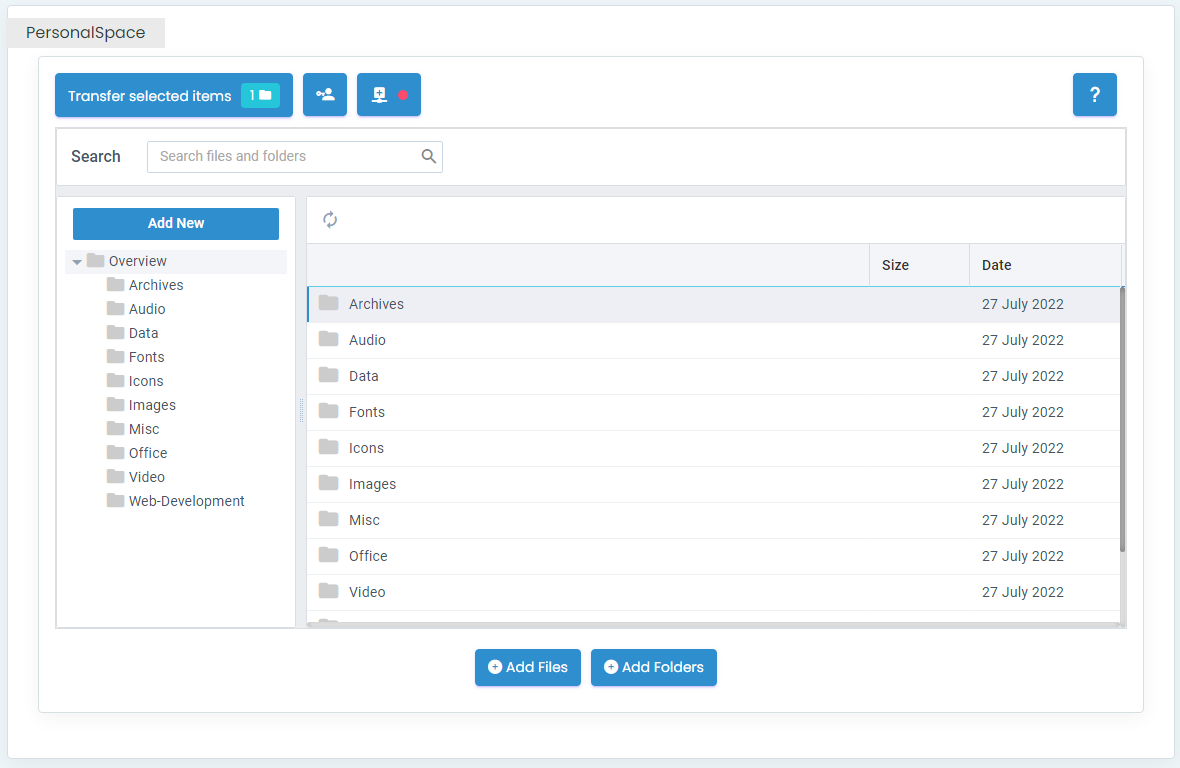
PersonalSpace
PersonalSpace is your own and personal storage space to which only you have access. Besides the SDC you can also connect your personal space as a network drive. The PersonalSpace is a right that your administrator must first grant you. You can find more information here.